
With the EPFO portal, checking your PF claim status has become extremely easy. If you have submitted a PF withdrawal, PF transfer, or pension claim, you can now track the status online. This helps you know whether your claim is under process, approved, or settled.
How to Track EPFO Claim Status?
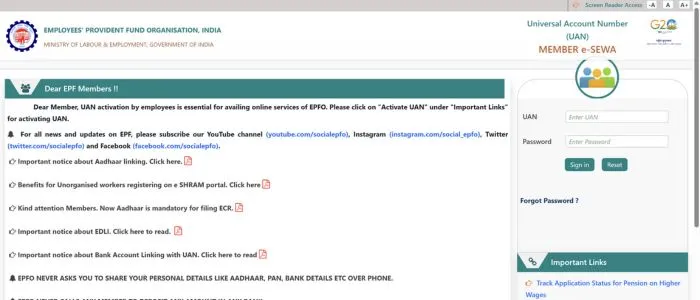
- Log in to the EPFO UAN Member Portal.
- After login, go to the “Online Services” section and click on “Track Claim Status.”
- All details of your submitted claims will appear on the screen.
- You can see the exact stage of your claim — Received, In Process, Approved, or Settled.
Other Ways to Check EPFO Claim Status
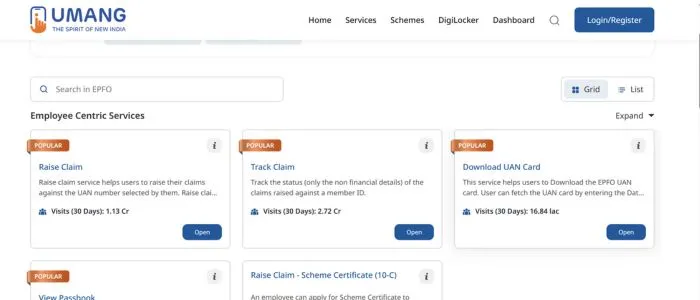
- UMANG App: Open the app → Select EPFO Services → Click on “Track Claim.”
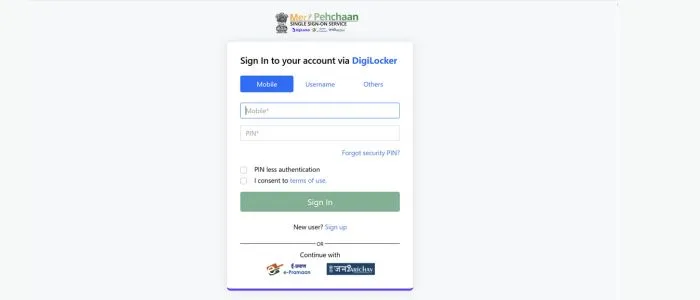
- SMS Service: If your UAN is linked with Aadhaar, EPFO sends claim status updates via SMS automatically.
- Missed Call Service: Give a missed call from your registered mobile to 14470 or UMANG helpline 1915 to receive basic claim information.
Why Checking EPFO Claim Status is Important
- You can see whether the claim is delayed or progressing smoothly.
- In case of any error or missing document, you can take timely action.
- You get clear information about the claim approval and settlement date.
By tracking your EPFO claim status online, you can monitor your PF withdrawal or transfer progress easily — without visiting any EPFO office.